Prism is a vertical-scrolling rhythm game for Windows 10 and 11 (64-bit). Nothing to install: you unzip a folder and run prism.exe.
What you need
- Windows 10 or 11, 64-bit.
- The Microsoft Edge WebView2 Runtime, which draws the menus. It is already on Windows 11 and on up-to-date Windows 10. If it is missing, Prism says so in a message window and gives the download address, then closes: install it and start Prism again.
- A GPU the game can draw with (it renders with wgpu).
Install
- Download the zip from the Download page. This is only for the first install: later versions install from inside the game (see Updates and channels).
- Unzip it where you like, but not in "Program Files": the game needs to write to its own folder to update itself.
- Double-click
prism.exe. Keep themods,skinsandthemesfolders next to it.
Add your maps
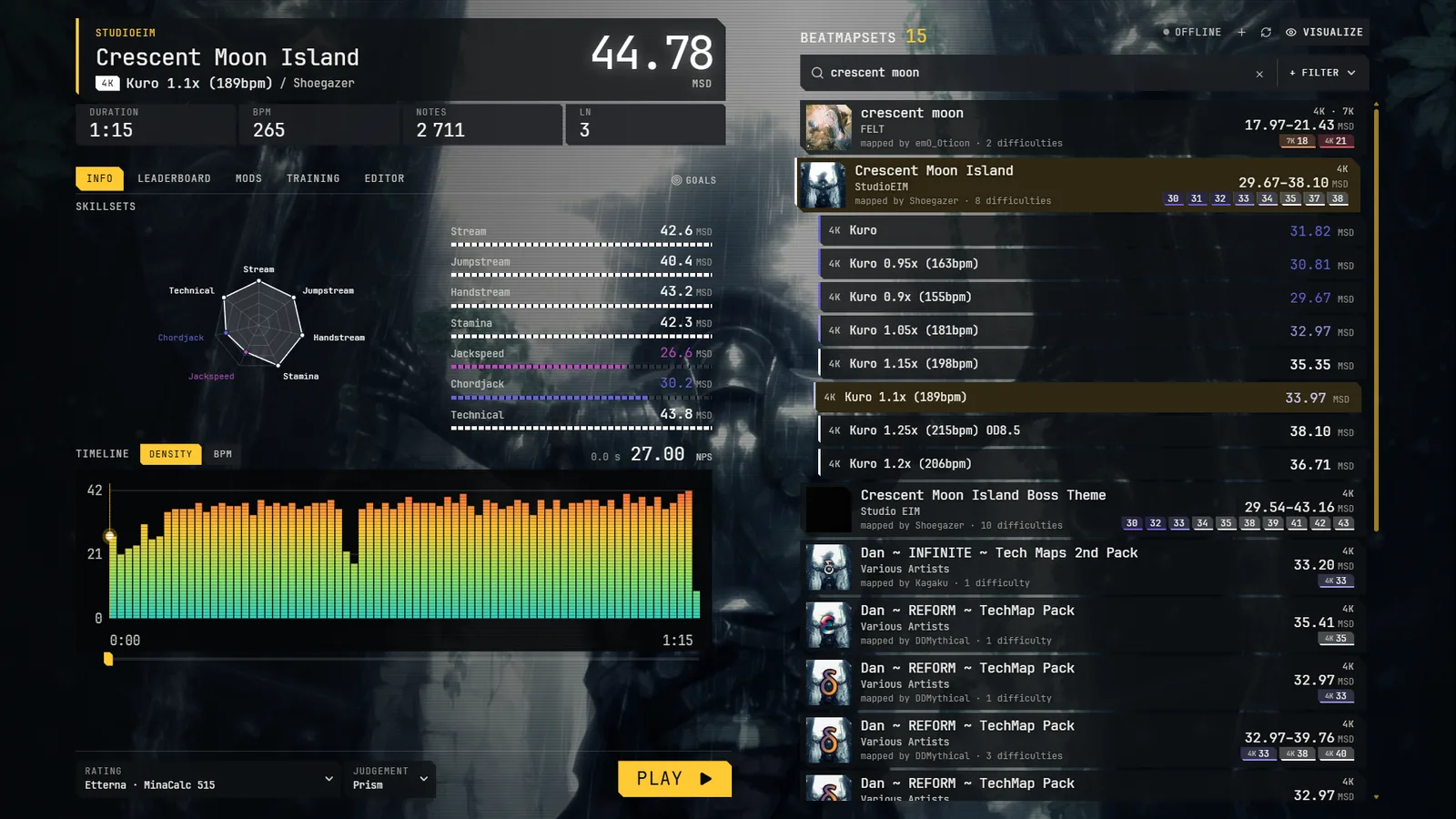
- Press the + button at the top of the map list and choose a folder of osu!mania or Etterna maps. Import goes through the subfolders. (The same thing is in Settings → Library → map folders.)
- The list is then read from a local database, so it does not rescan on every start. Your files stay where they are.
- Difficulty ratings are calculated in the background after the import.
More in Your library.
Play your first song
Click a map, then Play (or press Enter). Esc opens the menu: Settings, Skins, Mods and more. Default keys are in Playing.
Where your data lives
Your library, replays, settings and your own skins, mods and themes are in %LOCALAPPDATA%\Prism\PrismNG\data. Delete that folder to start again from zero, settings included. Nothing is written anywhere else.