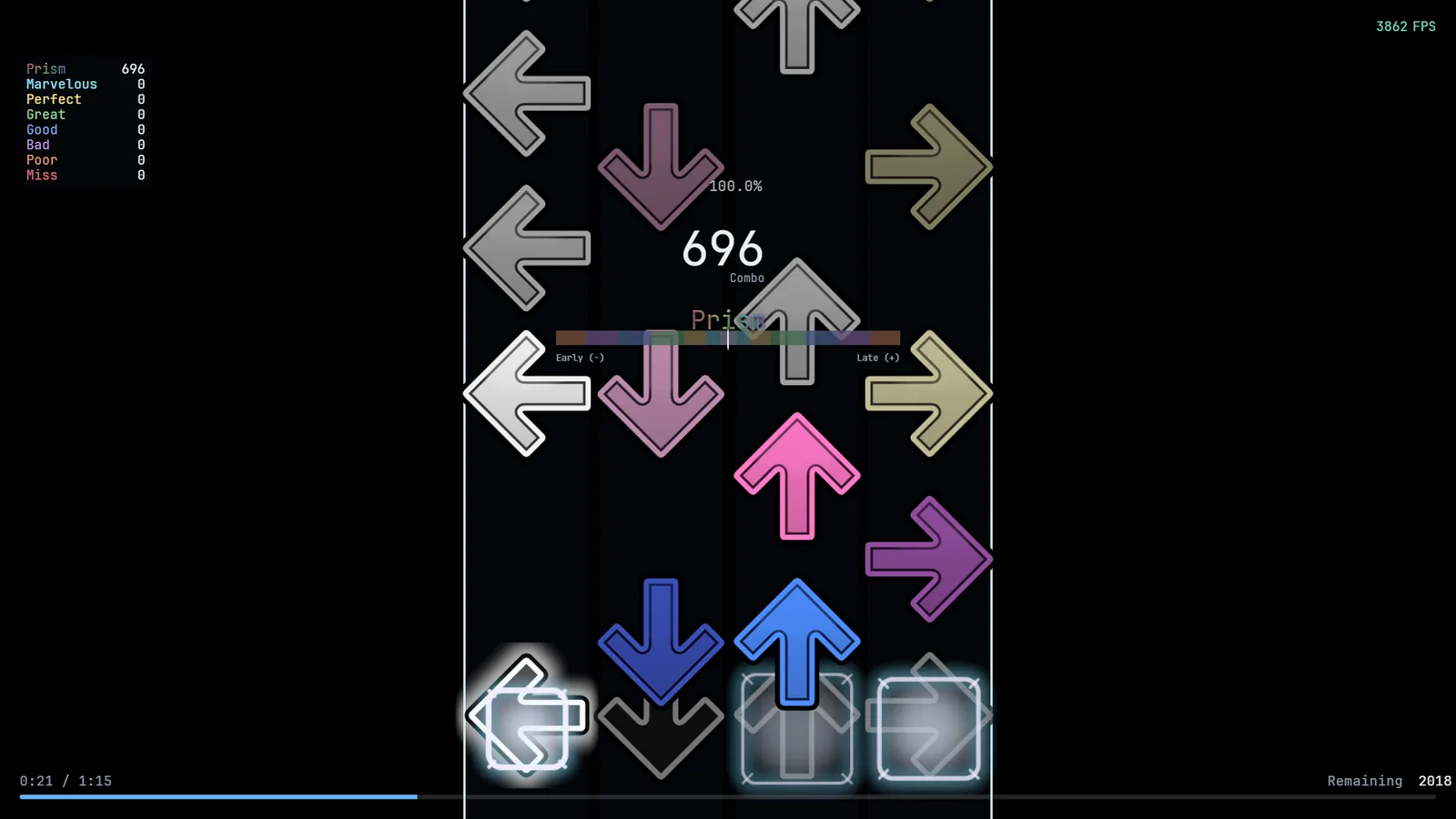
Keys
Default column keys:
| Layout | Keys |
|---|---|
| 4K | D F J K |
| 5K | D F Space J K |
| 6K | S D F J K L |
| 7K | S D F Space J K L |
Change them in Settings → Controls: pick a layout, click a column, press the key (Esc cancels). Each column needs a different key, and Esc and F2 are reserved. New keys apply to the next play.
Keys during a play (all configurable in Settings → Controls):
| Action | Default |
|---|---|
| Pause / resume | F2 |
| Quit the map | hold Esc (1.5 s by default, 0 to 10 s) |
| Restart the map | F4 |
| Skip intro (long intros) | Enter |
Losing the window focus pauses the play; resume with the pause key. Quitting marks the play as aborted.
Scroll speed
Settings → Scroll speed. Four systems are available: Prism (milliseconds), osu!mania, Etterna C-mod and Quaver. You can type any positive number, decimals included. The game shows the equivalent in Prism milliseconds.
Rate
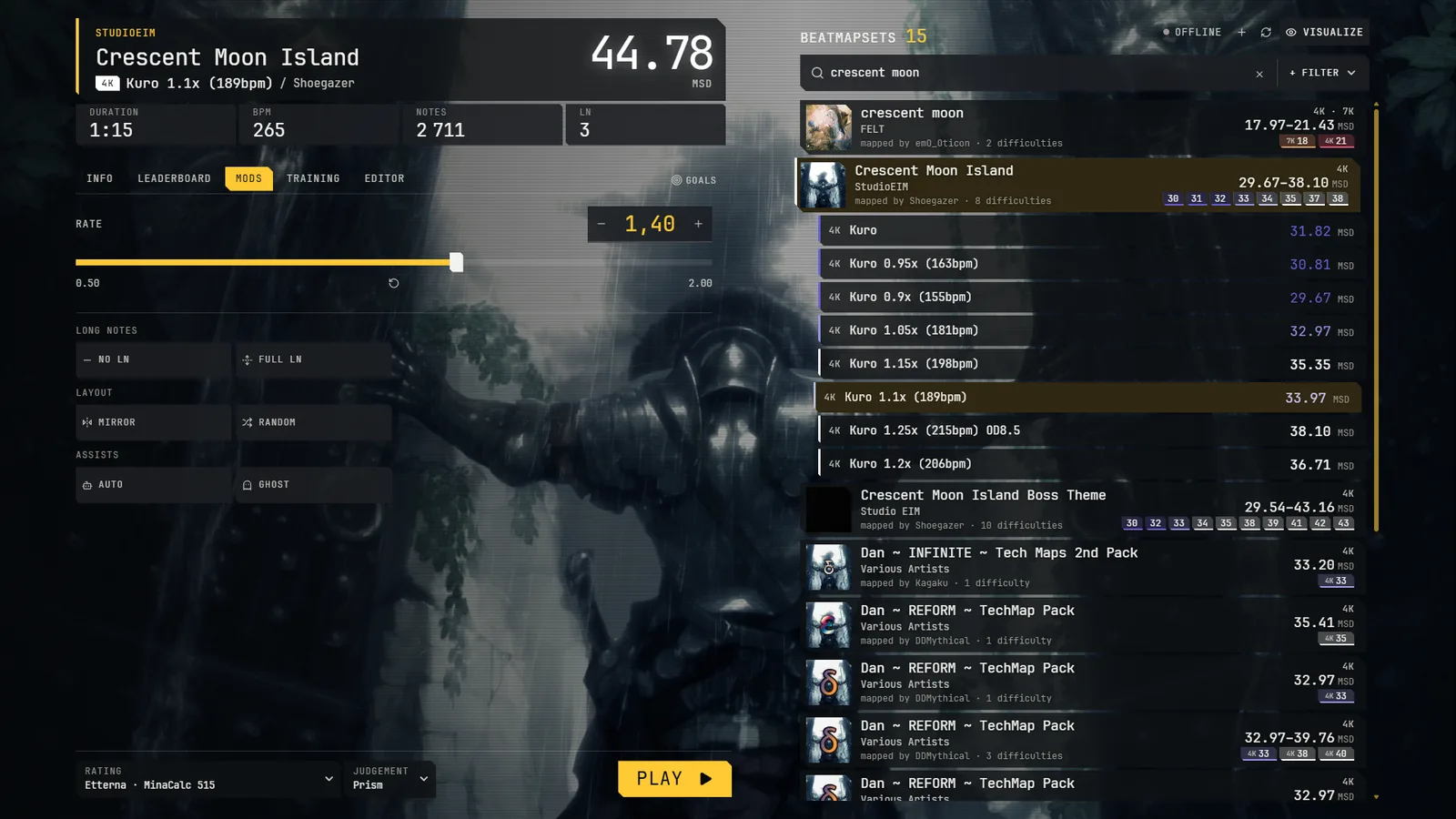
In the Mods tab of the selection screen: from 0.5 to 2 in steps of 0.05 (1 is normal speed).
Judgement
Choose it in Settings → Judgement or with the quick selector next to Play. Judgement is a set provided by a mod:
| Set | What it is |
|---|---|
| osu!mania | OD from 0 to 10 |
| Etterna | J1 to J9, with Wife3 accuracy |
| Prism | its own continuous accuracy; long-note heads and releases are judged separately |
You can also make custom presets: your own tiers and windows. Early and late windows are separate in every set.
Game modifiers (Mods tab)
- Auto: the game plays the chart perfectly. No score and no replay are saved.
- Ghost: your best score on the map plays next to yours (same rate only). The ghost itself is not judged or saved; your own play is saved as usual.
- Mirror, Random, No long notes, Full long notes change the chart. Plays with them are normal plays with a score and a replay. No long notes and Full long notes cannot be combined.
Timing and sound
Settings → Gameplay has an audio offset and a visual offset (signed, decimals allowed). Settings → Audio has volume and peak normalisation (on by default), which gives each map's music a constant gain so all maps peak at the same level, without touching judgement.